
ON THE AUX
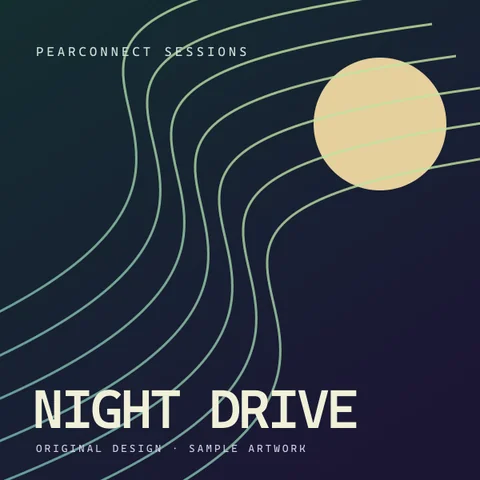
Night Drive
PearConnect Sessions
1:23 / 4:062:43 left
SONG REQUESTS FOR YOUR STREAM
Let your chat pick the soundtrack. Bring it to life with album artwork, a live playback clock and overlays that feel like you.
Free & open source · v0.3.0-beta.5 preview
Windows x64. Portable download. No separate runtime to install.
MADE TO BE SEEN. BUILT TO BE YOURS.
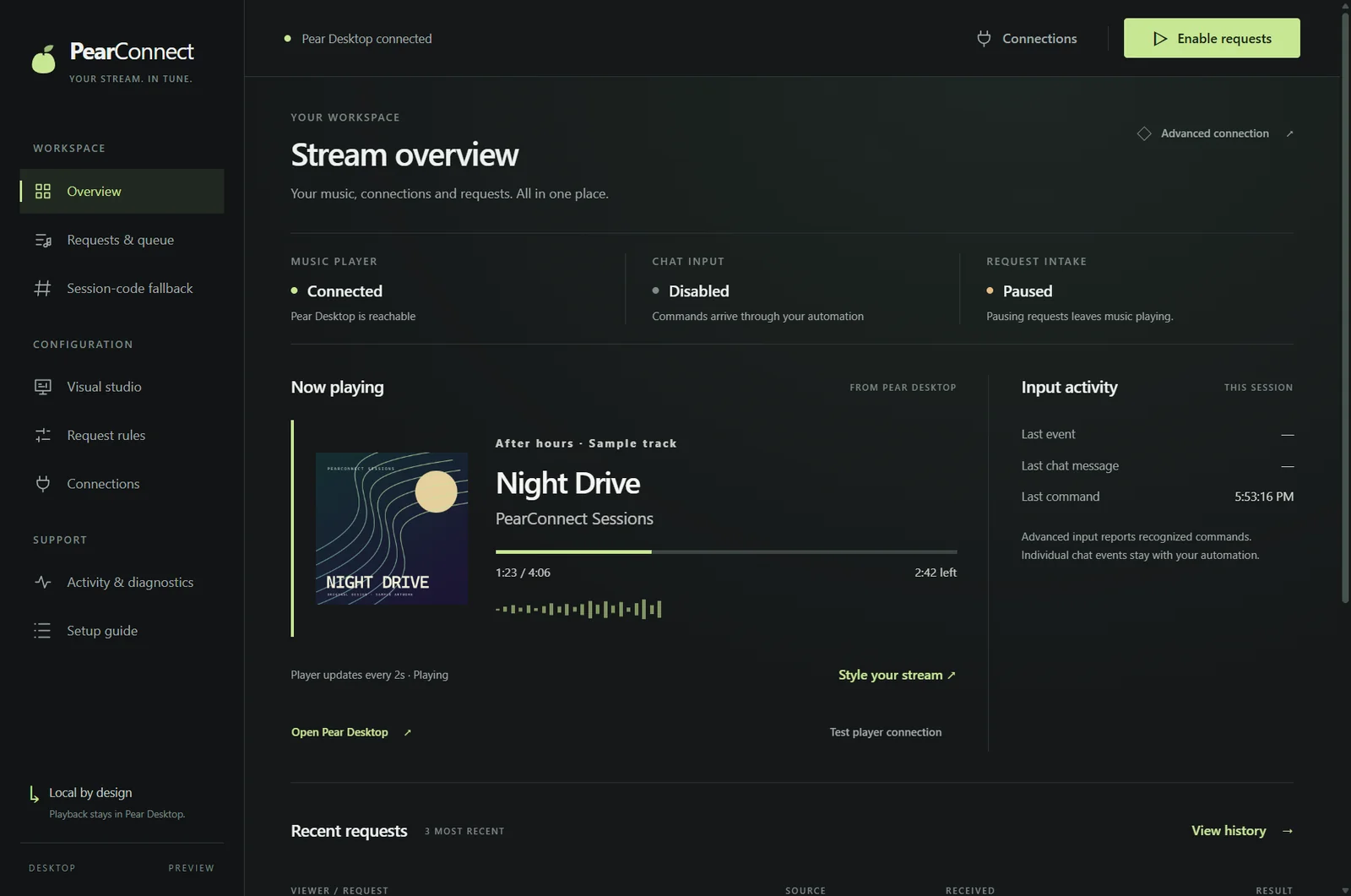
Keep the music in view. Customize a now-playing widget in Desktop, preview your design, then add it to OBS.
Explore the visual studioPearConnect Sessions
Illustrative track and timing. Your overlay shows live Pear Desktop data.
Fresh art when the track changes. Elapsed time, time remaining and pause state from your player.
Three layouts, light or transparent surfaces, custom accents and fonts. Preview before you publish.
Desktop background and icon presets, optional ambient motion, and Last.fm discovery with your own key.
01 / GET CONNECTED
Your player handles the music. PearConnect handles the requests.
Enable Pear Desktop’s API Server plugin and authorize PearConnect.
Player setupConnect TikFinity directly, or keep your Streamer.bot automation.
Connection guideFollow the guided player, live-command and song checks, then enable requests.
Run the guided test02 / CHOOSE YOUR CONNECTION
The same commands and safeguards, whichever route you choose.
Both modes work with the desktop app or CLI. TikTok input requires TikFinity Desktop on the same computer.
03 / STAY IN CONTROL
YOUR NEXT STREAM STARTS HERE
Download PearConnect, extract the complete folder and open the app. Your first request starts with a connection.